gpt image 2 Generator for Sharp, Usable Visuals
Open the gpt image 2 generator directly, write a detailed prompt, and create polished images for campaigns, product pages, concepts, and social assets without switching to another model.
Why this page is focused
- The generator loads the correct text-to-image model on this landing page.
- A focused prompt-only setup keeps the workflow practical for publishing drafts.
- Metadata, headings, body copy, and FAQ are aligned for gpt image 2 search intent.
Live Generator
Create Images Now
This workspace opens on gpt image 2 by default. Describe the image, keep optional safety checking on, and submit a focused text-to-image job.
Text to Image
Convert text descriptions to high-quality images with AI
Tip: Be detailed and specific for better results. Describe the subject, style, lighting, mood, and composition.
Generation count
1x
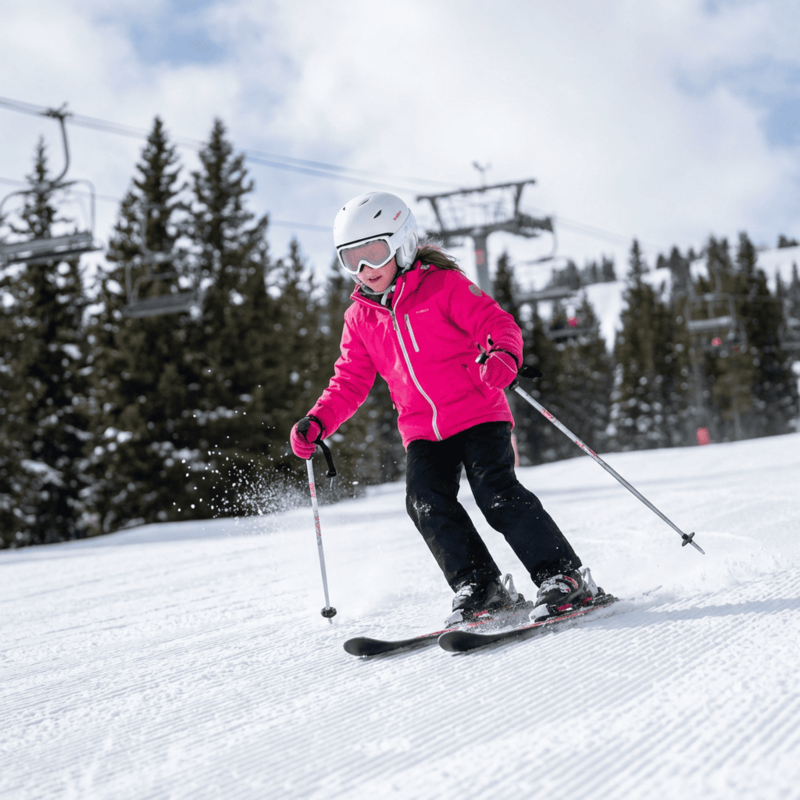
Example Gallery
See what you can create with text to image
Model Benefits
Why Teams Use This Generator
gpt image 2 is useful when a page, ad, or product workflow needs prompt fidelity, clean composition, and a direct model entry instead of a generic picker.
Prompt-Controlled Detail
The model turns structured prompts into clear subjects, lighting, style, camera angle, and scene direction.
Layout-Ready Images
Use the generator for hero artwork, square thumbnails, and vertical concepts that fit real publishing slots.
Brand-Safe Iteration
Teams can test prompts around color, tone, materials, and composition before moving assets into campaigns.
Fast Creative Drafting
The workflow helps replace blank-page work with quick visual drafts that creative teams can judge and refine.
Simple Model Settings
The live Kie.ai endpoint keeps generation focused on prompt and safety settings, matching the supported API parameters.
Account-Aware Workflow
Use gpt image 2 inside the same credit, history, and download workflow as the rest of the studio.
How This Page Works
The page is designed as a direct gpt image 2 landing workflow, so visitors can move from intent to generation quickly.
Write the Visual Brief
Describe the subject, environment, style, mood, and composition so the model has enough context.
Confirm the Model
The generator opens on gpt image 2 automatically, so you can submit without hunting through the model list.
Generate & Review
Submit the prompt to gpt image 2, review the generated image, and download or refine the next version.
Use Cases
Where This Model Fits
gpt image 2 is strongest when the goal is a usable image from a written brief, not a broad tour of every model.
Ad Creative
Draft campaign visuals before the design team commits to a final direction.
Product Storytelling
Use the generator for lifestyle scenes, feature explainers, and visual merchandising concepts.
Social Posts
Create quick gpt image 2 images for announcements, creator posts, thumbnails, and short-form campaigns.
Concept Exploration
Let gpt image 2 turn early ideas into visible options that stakeholders can compare.
Image Generation FAQ
Answers for visitors who want a direct gpt image 2 generator and a clear text-to-image workflow.
What is gpt image 2?
gpt image 2 is a text-to-image model option for generating images from prompts. This page sends visitors straight into the right workflow.
Which settings does gpt image 2 support here?
The live text-to-image endpoint supports prompt input and an optional NSFW checker. The image-to-image endpoint supports prompt plus input image URLs.
Does this page open the right model?
Yes. The generator on this page defaults to gpt image 2 and text-to-image, so it does not open another image model first.
How many credits does gpt image 2 use?
The current gpt image 2 setup uses 42 credits per generated image in this workspace.
How should I prompt gpt image 2?
Give the model a specific subject, scene, lighting direction, style, color palette, and composition for the most useful result.
Start a New Generation
Use the focused gpt image 2 page to move from prompt to production-ready image draft in one workflow.